How to make selfie
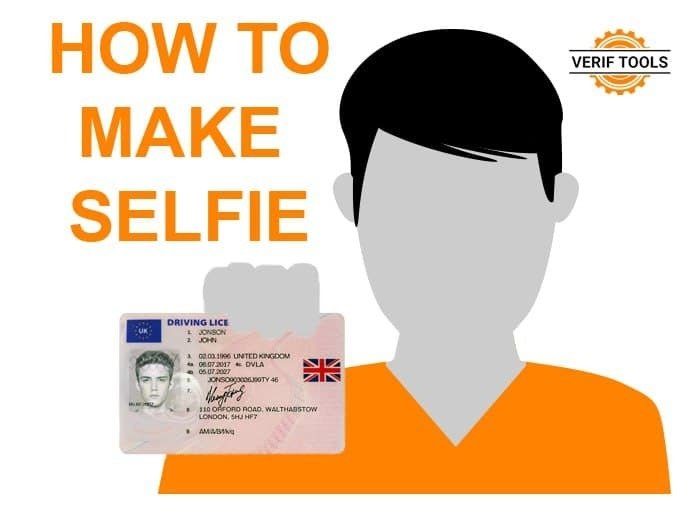
A small tutorial on how to create a selfie with a document using our service.
1. Create document
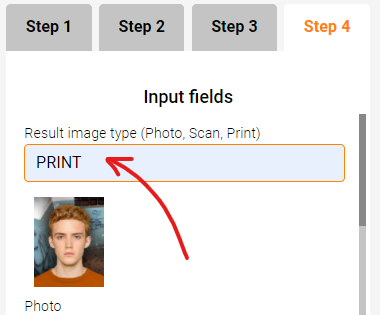
Go to verif.tools and select required document. Then create an image of the document by selecting the PRINT option.
Add the resulting image to your shopping cart and buy it. If you don't know how to do it, read this tutorial.
2. Print image
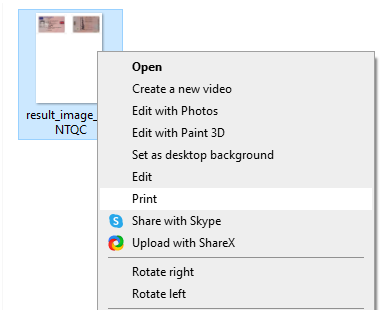
Select the "Print" context menu item. Of course you need printer for this =)
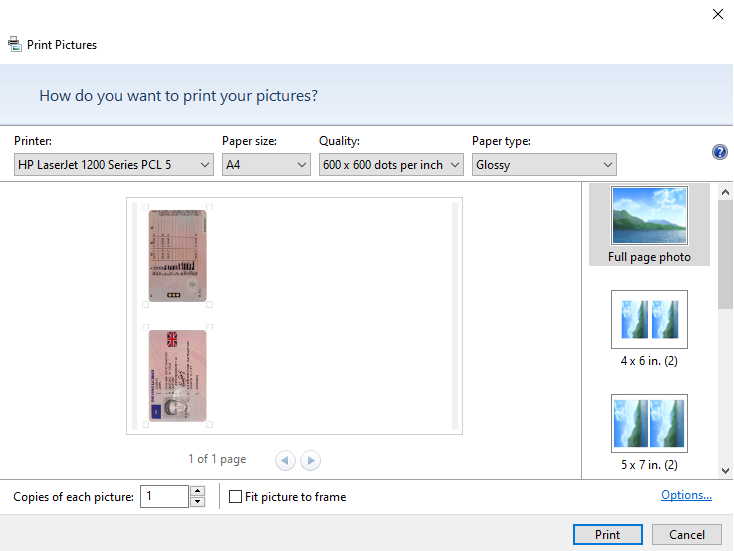
Select the following print settings, and print this image.
3. Cut the document
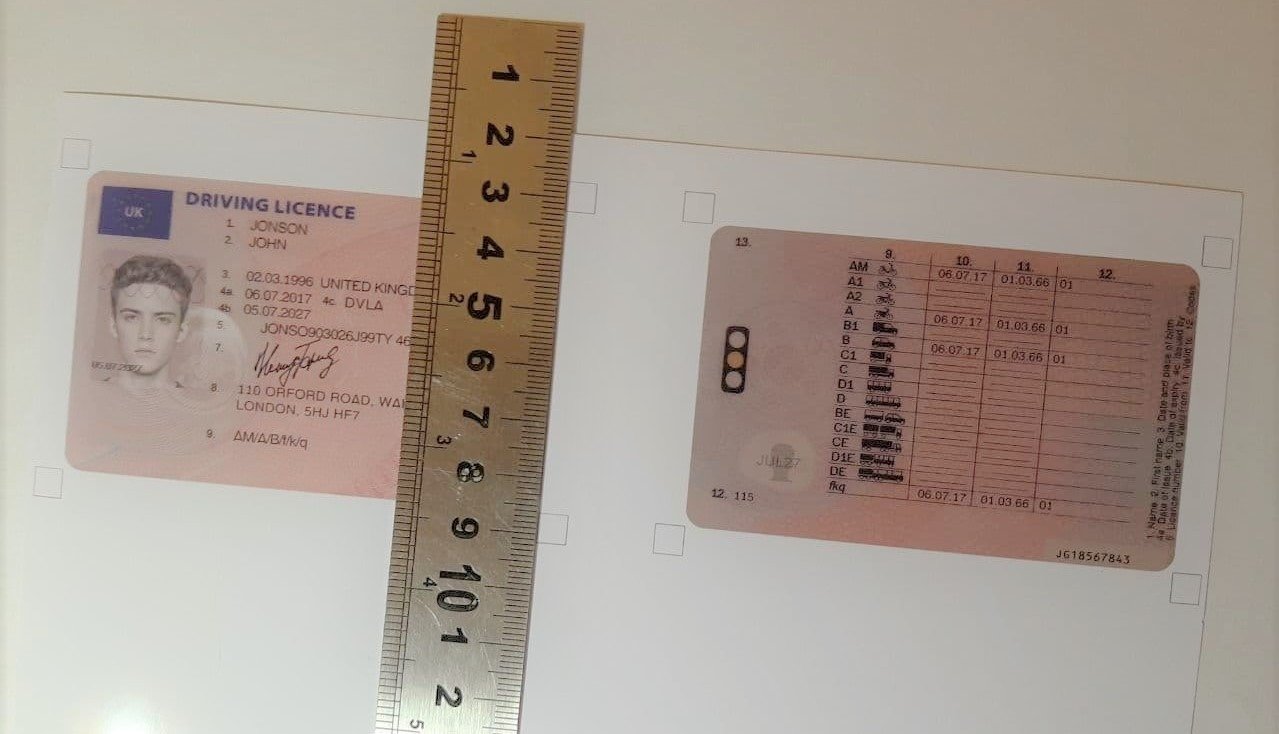
Now you need to cut the document with a utility knife and ruler.
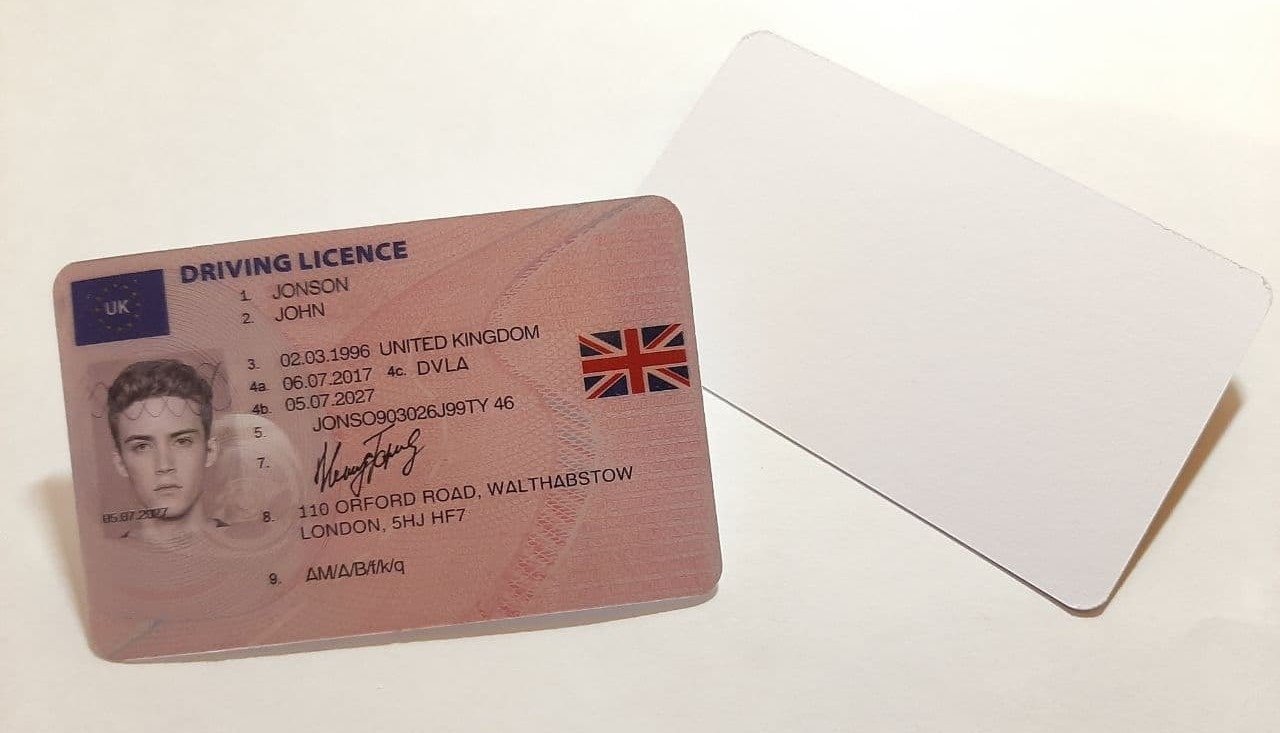
As a result, you should get something like this:
4. Take a selfie
Take a selfie with the document for a successful verification
5. Verification
Now you can upload this selfie to the website or app and successfully pass the verification
Have a nice day and successful verifications! =)