Referral program guide
We released a long-awaited referral system. Now you can not only use our service to create high-quality images, but you can also earn money by promoting and advertising our website. Surely you have many partners, friends, or acquaintances who would find our service useful.
This guide explains how the referral program works and how to withdraw your earnings.
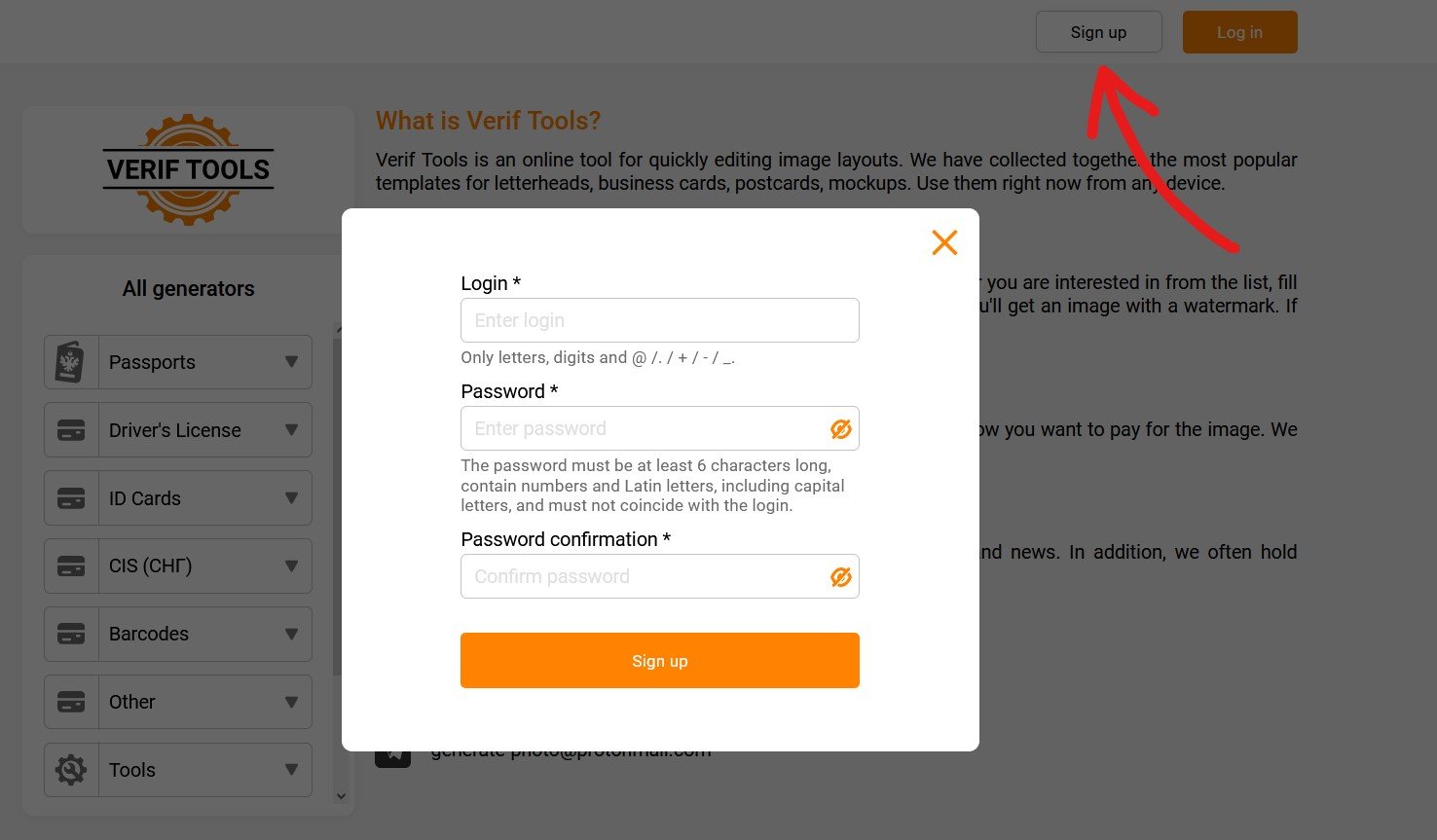
1. Register or log in
First of all, you need to register or log in to our website. The referral program is available only to registered users.
2. Open your account dashboard
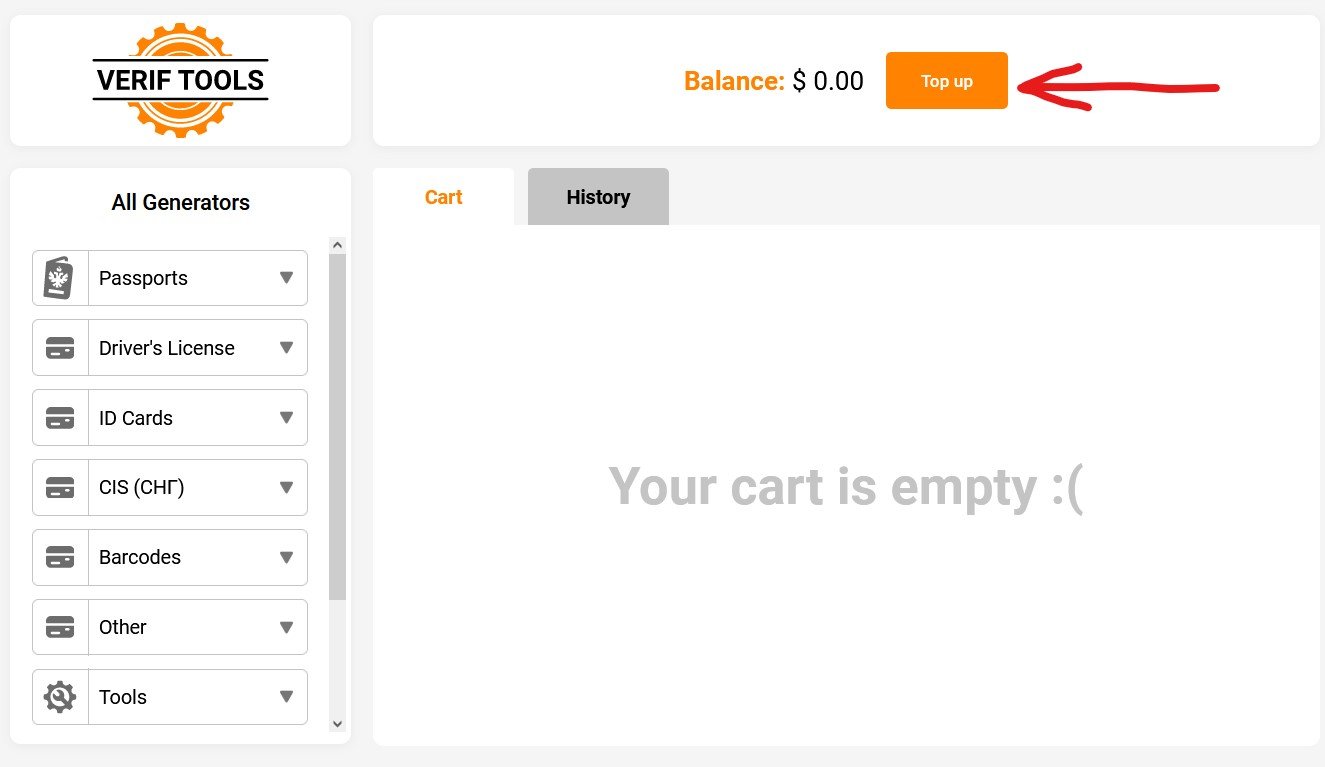
After logging in, open your account from the header (your email or cart icon). In the account dashboard you will see your main balance, referral link, referral balance, and the Withdraw button.
3. Copy your referral link
Each user gets a personal referral link. Share this link with other people. When someone registers through your link and buys images on Verif Tools, you receive 10% of each of their purchases on your referral balance.
Example link format: /index.html?gn=usernameJdJ
4. Share the link
Send your referral link to friends, partners, or your audience in messengers, forums, or social networks. The more active users you invite, the more you can earn.
5. Track your referrals
In the account dashboard, open the Referrals tab to see users who registered through your link and the statistics of your referral income.
6. Withdraw referral earnings
Referral income is credited to your separate Referral balance. When you want to withdraw money, click Withdraw, enter the amount and your wallet address. The minimum withdrawal amount is $3.
If you need help with withdrawal or referral statistics, write to support.
Quick summary
- Register on Verif Tools
- Copy your personal referral link from the account dashboard
- Earn 10% from purchases made by invited users
- Track referrals in the Referrals tab
- Withdraw from referral balance (minimum $3)
Have a nice day and successful referrals! =)